Stop sitting.Start moving.
Add movement into your workday by turning five-minute breaks into a habit you can’t simply snooze away.
{{w.text}}
How it works
How micro.breaks gets you out of your chair

 Auto-lock
When it’s empty,Chrome locks.
Your battery drains while you work. At zero, Chrome pauses until you’ve taken your break. Your other apps keep working.
{{ctaNav}}

 Missions
A new mission,every break.
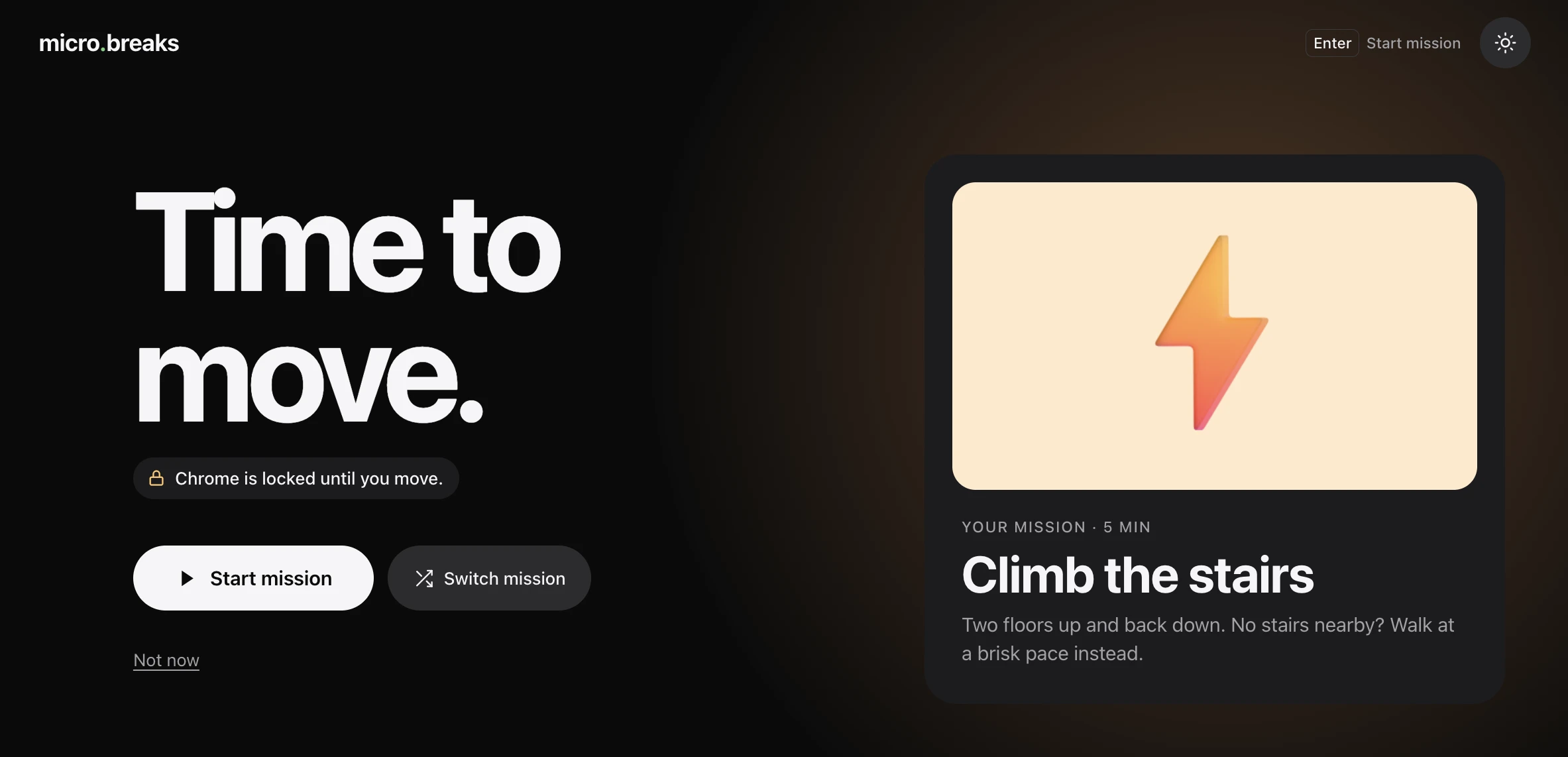
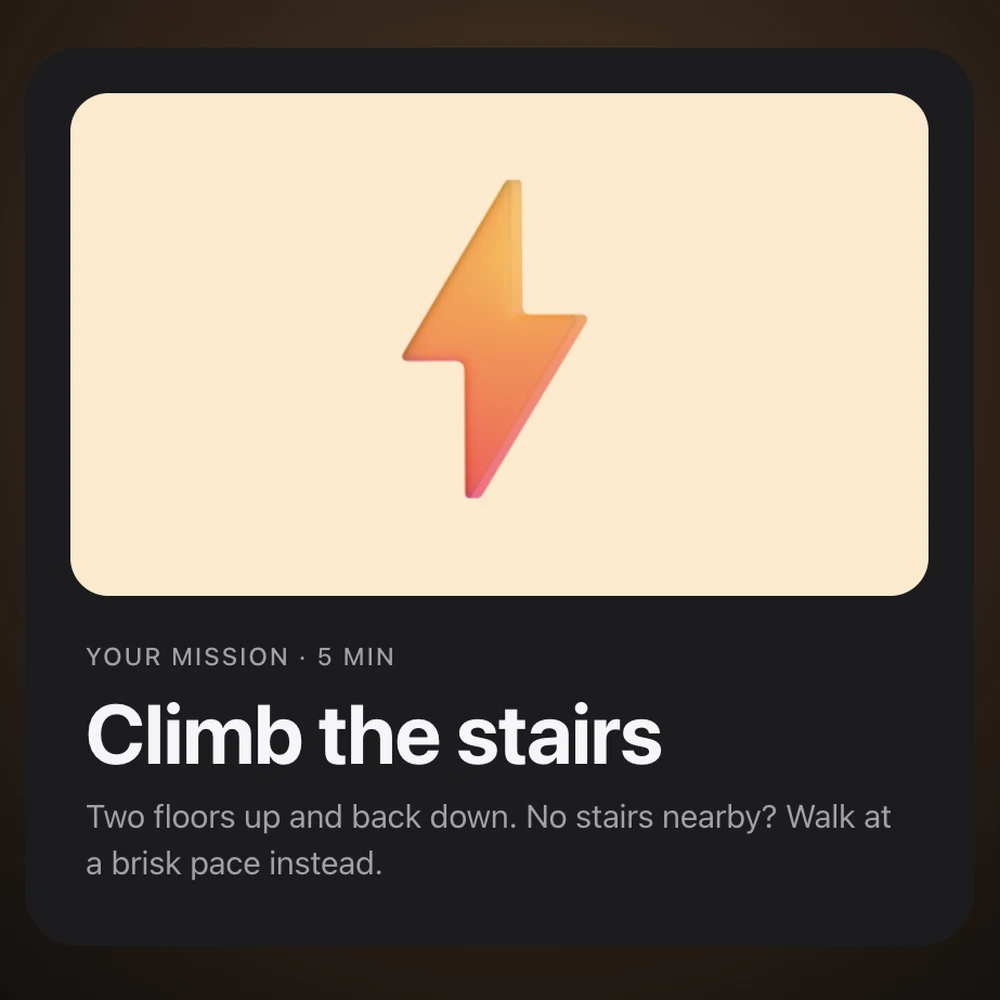
Stairs, water, daylight, a tidy run, a guided stretch… Every break comes with a mini-challenge that tells you exactly what to do.
{{ctaNav}} Skip challenge
Skipping costsmore than moving.
Want out? Solve three sums in a row. One mistake and you’re back to zero.
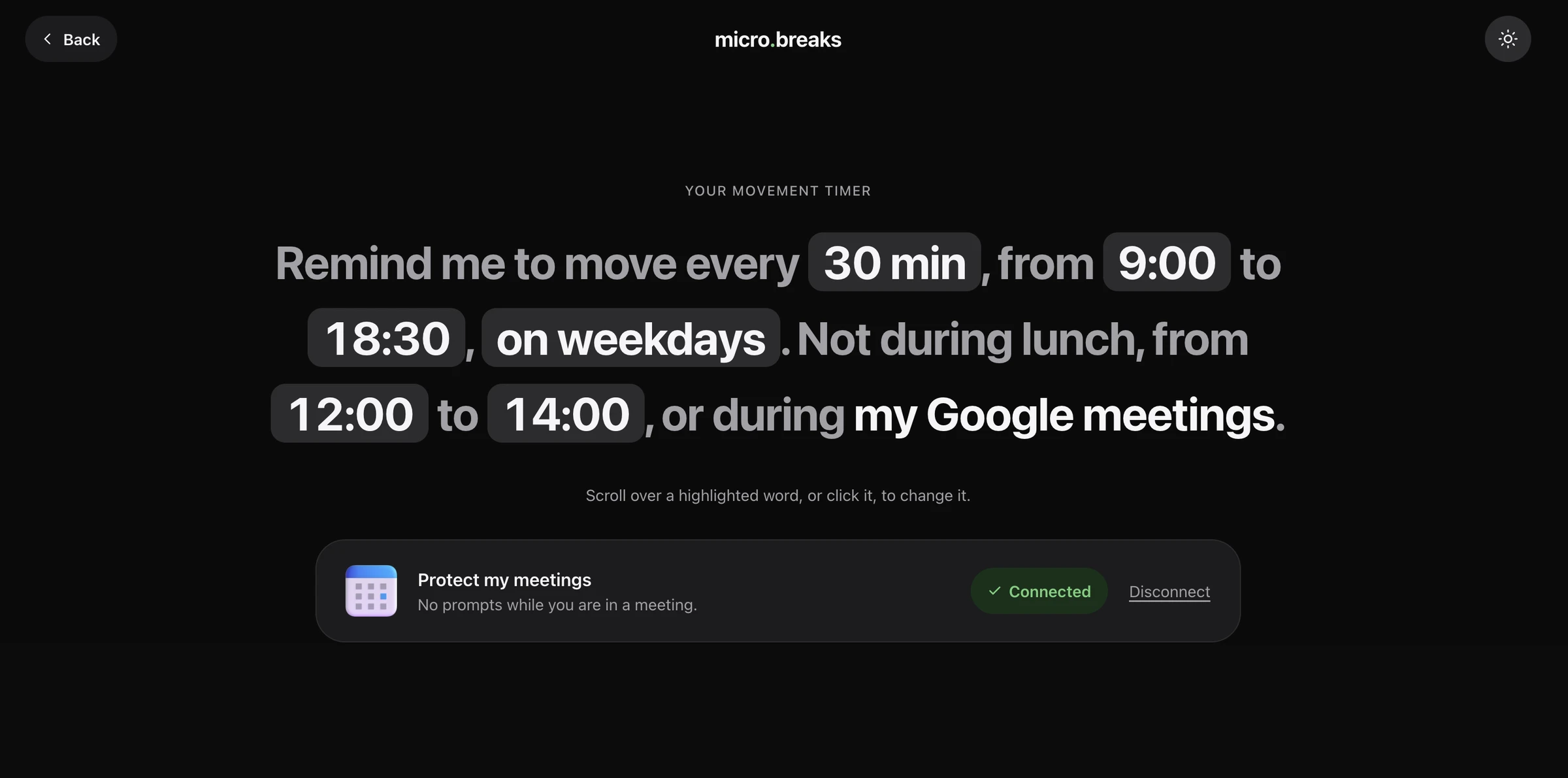
{{ctaNav}}Fits your day.
- Your hours, your days.
- Never during lunch.
- Never during your Google meetings.
Frequently asked questions
Does micro.breaks block my whole computer?
No. Only Chrome is locked during a mission. Your other apps keep working.
What if I’m on a call?
Connect Google Calendar and no break fires during a scheduled meeting. You can also set your working hours, days and lunch break.
What if I touch my keyboard or mouse during a break?
The five-minute timer pauses. Step away to let it run.
Can I skip a break?
Yes, with the skip challenge. It’s designed to take more effort than getting up.
Do I need to exercise?
Not at all. Getting water, walking around or stepping outside counts.
What data do you collect?
Your browsing stays in your browser. We see your email and usage events to improve the beta. Calendar: only when you’re busy, never event details. Privacy policy
Which browsers and computers does it support?
Google Chrome on Mac and Windows. It isn’t available on phones.
Is it free?
Yes, it’s free during the beta.
Stop sitting.Start moving.
Five minutes to move. Then back to your day.